
Website speed is no longer optional—it’s the baseline for visibility, conversions, and credibility. Every second of delay costs visitors, and every millisecond gained gives you an edge. Luckily, there’s no need to overspend on premium software. The right free WordPress plugins can deliver the same kind of speed improvements big brands pay for, without touching your wallet.
Here are the five best free WordPress plugins you can install right now to supercharge your website’s performance:
- LiteSpeed Cache
- Autoptimize
- Smush
- WP Fastest Cache
- NitroPack
Each plugin targets a specific bottleneck—from bloated code and image compression to caching and content delivery—helping your pages load in the blink of an eye.
Before we get into the breakdown, if you’d rather have a professional team handle your site optimization from top to bottom, we at HeyTony offer a complete speed optimization service designed to improve Core Web Vitals and long-term SEO performance.
#1 LiteSpeed Cache

LiteSpeed Cache continues to dominate conversations around performance plugins. It’s one of the best plugins for WordPress when it comes to server-level caching and all-in-one site acceleration.
The plugin creates lightning-fast load times by caching full pages at the server level rather than the browser, reducing the need for repeated database calls. Beyond caching, it also provides built-in image optimization, lazy loading, and Cloudflare integration—all inside one dashboard.
Key benefits:
- Full-page caching with instant purge control
- Image optimization and WebP/AVIF conversion
- Automatic CSS/JS minification
- CDN and Cloudflare support
- Core Web Vitals optimization presets for LCP, CLS, and INP
If your host uses a LiteSpeed or OpenLiteSpeed server, this plugin becomes even more powerful. But even on non-LiteSpeed setups, it still delivers a noticeable bump in responsiveness. Combine it with high-quality hosting and you’re already halfway to perfect performance scores.
#2 Autoptimize

Next on the list of top free WordPress plugins for performance is Autoptimize. It’s lightweight, efficient, and designed to make your website code leaner than ever.
Autoptimize aggregates and minifies your site’s HTML, CSS, and JavaScript files. It also defers non-essential scripts, preventing them from blocking the first contentful paint (FCP). For developers, there’s an open API that allows for deep customization, while beginners can activate the basics in under a minute.
Key benefits:
- Combine and minify CSS, JS, and HTML
- Optimize Google Fonts delivery
- Lazy-load images
- Defer render-blocking JavaScript
- Works seamlessly with caching plugins
If your website relies on multiple scripts and design frameworks, Autoptimize can declutter everything without touching your layout. It’s a simple fix with outsized results—and it plays nicely with nearly every theme and builder.
Related: Does your website need to be mobile friendly?
#3 Smush
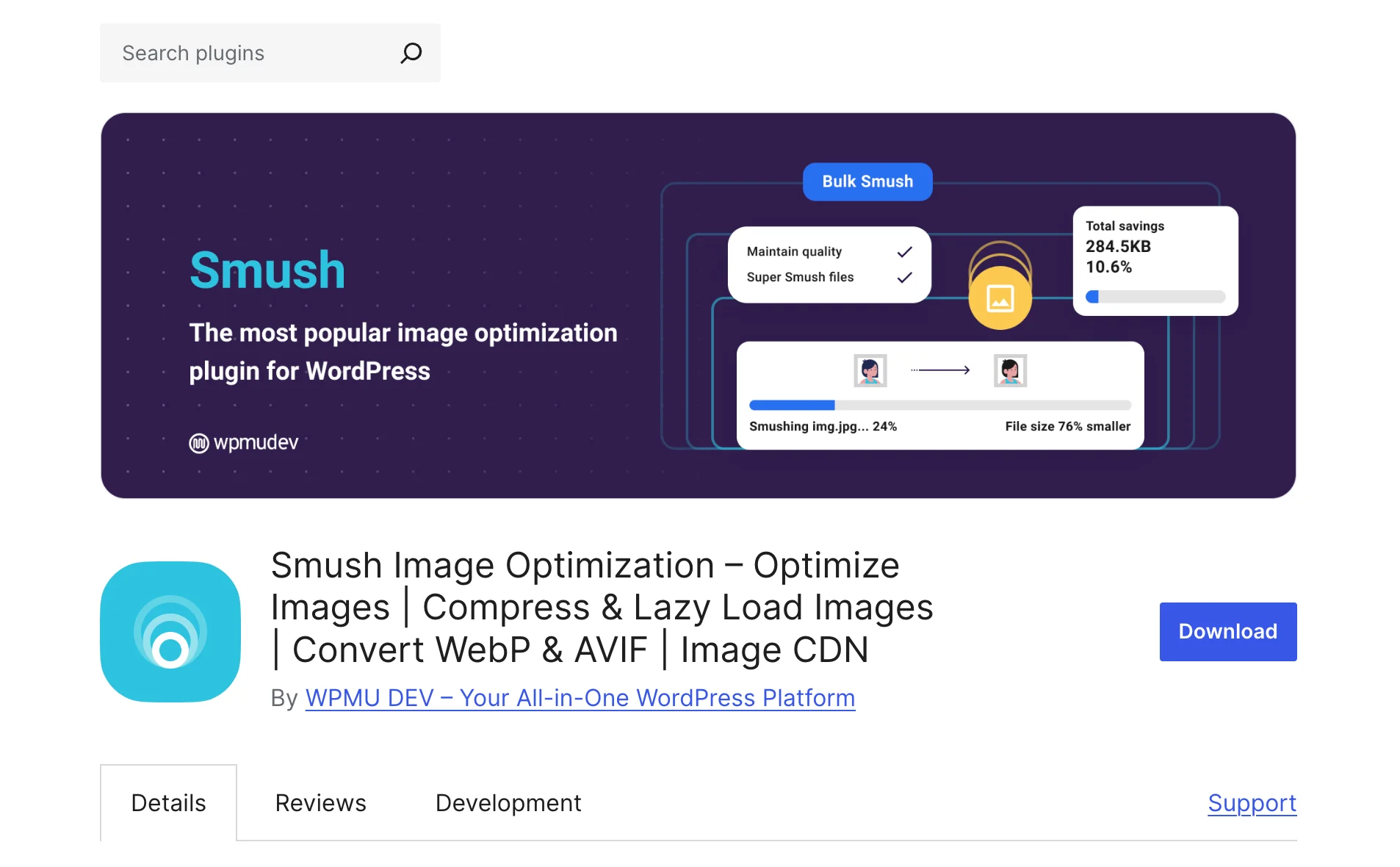
Images are the silent killers of speed. High-resolution graphics look great but can crush your loading time if left unoptimized. That’s why Smush is still one of the free WordPress plugins every site owner should install.
Smush automatically compresses, resizes, and converts your images into next-gen formats—without any visible quality loss. Its bulk optimization feature lets you process thousands of images at once, ensuring no media file drags your performance down.
Key benefits:
- Bulk compress images in seconds
- WebP and AVIF conversion for smaller file sizes
- Detects and resizes overly large images
- Lazy-loads offscreen visuals
- Removes unnecessary metadata
Smush integrates easily with Gutenberg, Elementor, and classic editors, making it a perfect companion for both design-heavy and blog-centric websites. After installing, expect an immediate improvement in your image-related Core Web Vitals scores.
#4 WP Fastest Cache

WP Fastest Cache lives up to its name by being one of the most user-friendly caching plugins available. It offers many of the same benefits as premium tools, but in a simplified interface that beginners can master in minutes.
Once activated, it creates static HTML files from your dynamic WordPress pages, significantly reducing load times and server strain. It’s also compatible with CDNs and works well alongside other optimization plugins like Autoptimize and Smush.
Key benefits:
- Page caching and cache preloading
- GZIP compression and browser caching
- Minification for HTML and CSS
- Option to combine multiple CSS and JS files
- Easy CDN integration
WP Fastest Cache is ideal for small to medium-sized websites that need reliable caching without complex setup. It’s simple, stable, and consistently updated — a great pick for users who want strong results fast.
Related: 87 SEO Tools You Can Use To Climb The Ranks
#5 NitroPack

NitroPack has quickly become one of the most advanced free WordPress plugins for speed optimization, offering an all-in-one solution that rivals many premium tools. It combines caching, CDN, image optimization, lazy loading, and code minification in a single service — making it one of the easiest ways to accelerate your website.
Once connected, NitroPack automatically analyzes your site and applies intelligent optimizations. It uses its own content delivery network (CDN) to serve pages from the nearest server, cutting down load times globally.
Key benefits:
- Automatic page caching and cache warmup
- Built-in global CDN
- Image optimization and next-gen compression
- Lazy loading for images and videos
- Advanced minification for CSS, JS, and HTML
NitroPack is particularly effective for users who want plug-and-play optimization with minimal setup.
*Note: The free version of NitroPack adds a small “Powered by NitroPack” badge to your site’s footer.*
The Best Paid Plugin for WordPress Speed Optimization

If you’re ready to invest in performance, WP Rocket is the best paid alternative to the free WordPress plugins listed above. It’s the most comprehensive caching and optimization tool available — built to deliver instant, measurable results.
WP Rocket automatically handles caching, minification, lazy loading, and database cleanup the moment you activate it. It also fine-tunes Core Web Vitals like improving WordPress page speed scores for LCP and CLS without any manual setup.
Why it stands out:
- Instantly optimizes caching, CSS/JS, and images
- Improves both desktop and mobile Core Web Vitals
- Works with all major hosts, themes, and CDNs
- Replaces multiple plugins with one lightweight tool
If money isn’t a concern, WP Rocket is simply the fastest and most reliable way to boost site performance, beating the rest of these free plugins by a mile. It’s the best plugin for WordPress speed overall, for businesses and agencies that need consistent results without ongoing maintenance.
How to Speed Up WordPress Sites
In addition to using WordPress page speed plugins, you may want to look at a few other page speed variables.
1. Use Next Gen Images
By using Next Gen Image formats, you can decrease the server load every time someone visits your website. Using an image format like .webp will allow you to drastically reduce your image’s file size, which will increase your page load speed.
2. Use a caching plugin
You can speed up a WordPress site by utilizing a page speed plugin such as Litespeed Cache or WP Super Cache. These performance plugins will allow you to serve static html files from your dynamic WordPress website. Don’t worry if you don’t know what static html files are – these plugins will do all the heavy lifting. Using a caching plugin is vital to increasing your page speed and improving user experience. Warning. Do not use more than one page speed plugin at a time.
3. Reduce the number of plugins you’re using
There can be a lot of bloat from plugins when it comes to your WordPress website speed. To fix this, remove any deactivated plugins, and see if you can reduce the number of active plugins you’re using. Determining which plugins are bogging down your WordPress site speed may not be obvious… so here are some pointers:
- If you haven’t use the plugin in over a year, it can likely go.
- Find a WordPress theme that includes the functionality some of your plugins may be providing.
- Find alternative WordPress Plugins that can do the combined job of several plugins.
- Do your visitors actually use that functionality? If not, it can go.
4. Use a CDN
Using a CDN (Content Delivery Network) to deliver your content. Without getting very technical with it, a CDN will serve HTML pages, javascript files, stylesheets, images, and videos, rather than the load being placed on your own server. It’s similar to website hosting, but cannot replace it.

Final Thoughts
Speed isn’t a luxury; it’s the foundation of a successful website. When clients ask how to improve page speed on WordPress, the answer usually starts with eliminating what slows you down. These free WordPress plugins make optimization accessible to everyone, no coding required.
If you’d rather have a trusted expert handle setup, tuning, and maintenance, reach out to us at HeyTony—a leading digital agency that specializes in website design, SEO, and performance improvement.
We are constantly updating our blog with more information about SEO, WordPress plugins, digital marketing, and website design. If you want to learn more about actionable tips, explore the blog!
Fast websites win visitors—and with the right optimization strategy, yours can too.
Originally published . Last updated .
Categories:


Explore More