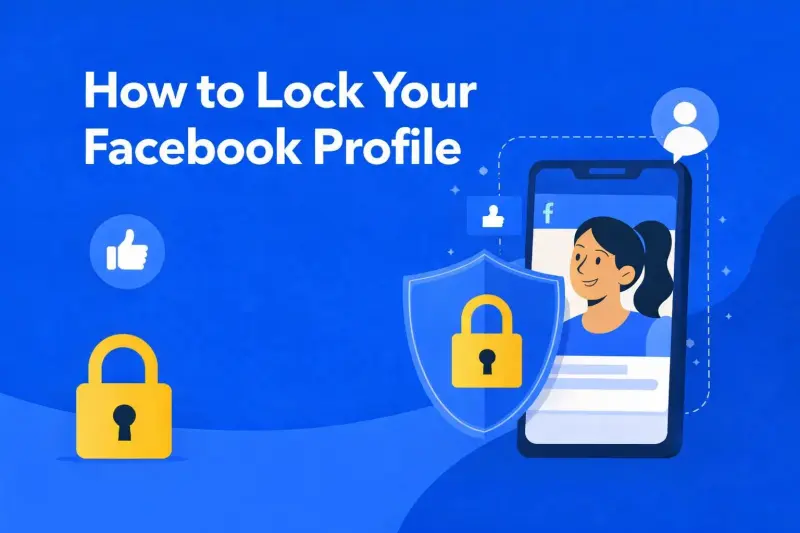
Most people don’t realize how much of their profile is visible until the wrong person starts looking. Old photos, personal posts, tagged content — it adds up fast. If you’ve ever clicked into your own profile and thought, “That’s more public than I expected,” you’re not alone.
Knowing how to lock your Facebook profile gives you a fast way to take control of what others can see without deleting posts or disappearing from the platform altogether. Profile locking limits access in one move, making it easier to protect your Facebook content while keeping your account active and functional.
Related: How to Use Facebook Groups for Marketing Success
What Profile Locking Actually Does
When profile locking is enabled, your posts, photos, and stories become visible only to approved connections. Non-friends see a restricted version of your page with limited details and no access to full content.
This is particularly useful if you’re concerned about a Facebook profile viewer accessing your photos or scrolling through older posts. Locking also limits how profile images can be viewed or shared by people outside your network.
How to Lock Your Facebook Profile
If you’re looking for how to lock your profile on Facebook, the process is simple when the feature is available on your account. The option appears directly within your profile settings and applies multiple privacy restrictions at once.
Many people search for how to lock Facebook profile settings because adjusting individual privacy options can be time-consuming. Profile locking streamlines that process by automatically limiting public access. For users who want a simple way to lock your Facebook profile, this setting offers quick protection without changing dozens of individual controls.
How to Lock Facebook Profile on iPhones
The steps for how to lock a Facebook profile on iPhone look slightly different because of the mobile layout. The option is typically found by opening your profile, selecting the settings menu, and choosing the profile lock feature. If the option isn’t visible, it may not be supported in your region yet, or your app may need updating.
What Happens to Hidden and Restricted Profiles?
Once profile locking is enabled, your account behaves similarly to hidden Facebook profiles. Public visibility is reduced, tagged photos are restricted, and timeline content defaults to private viewing.
For anyone wondering how to lock a profile on Facebook without deleting content or deactivating an account, this feature offers a clean solution that keeps your history intact.
Conclusion: When Facebook Profile Locking Makes Sense
Profile locking is useful for students, professionals, and anyone who wants to reduce unwanted attention. It’s also helpful when separating personal and professional visibility, where online presence can overlap with work.
If managing your online presence feels overwhelming, you don’t have to figure it out alone. At HeyTony, we help people and businesses make smarter decisions about visibility, privacy, and performance across digital platforms with digital marketing in Hamilton. From tightening up personal settings to thinking more broadly about how your brand shows up online, our team is here to provide clear guidance that actually makes sense.
Originally published . Last updated .
Categories:



Explore More